With your Mac on your phone's list as Vault on Mac, each new note and photo you post on the phone also goes to the Mac over the mesh. Your notes and history sync back from the Mac to the phone. The Mac becomes the second, always-on copy of your vault.
Set it up
- Turn on the mesh on the Mac and on the phone, and add each to the other's My Devices. On the phone, pick Vault on Mac.
- Keep Nostr Vault open on the Mac. It syncs while it's open.
- Shortly after the phone's relay starts, it copies your full history from the Mac on its own. After that, new posts and mentions keep syncing by themselves.
Check that it arrived
On an iPhone, open Settings → Mesh → FIPS Mesh and, under Sync, tap Check sync with Vault on Mac. On Android it's in Settings → Sync with Vault on Mac. It ends on Done with counts of what's on each side, or says why it stopped.
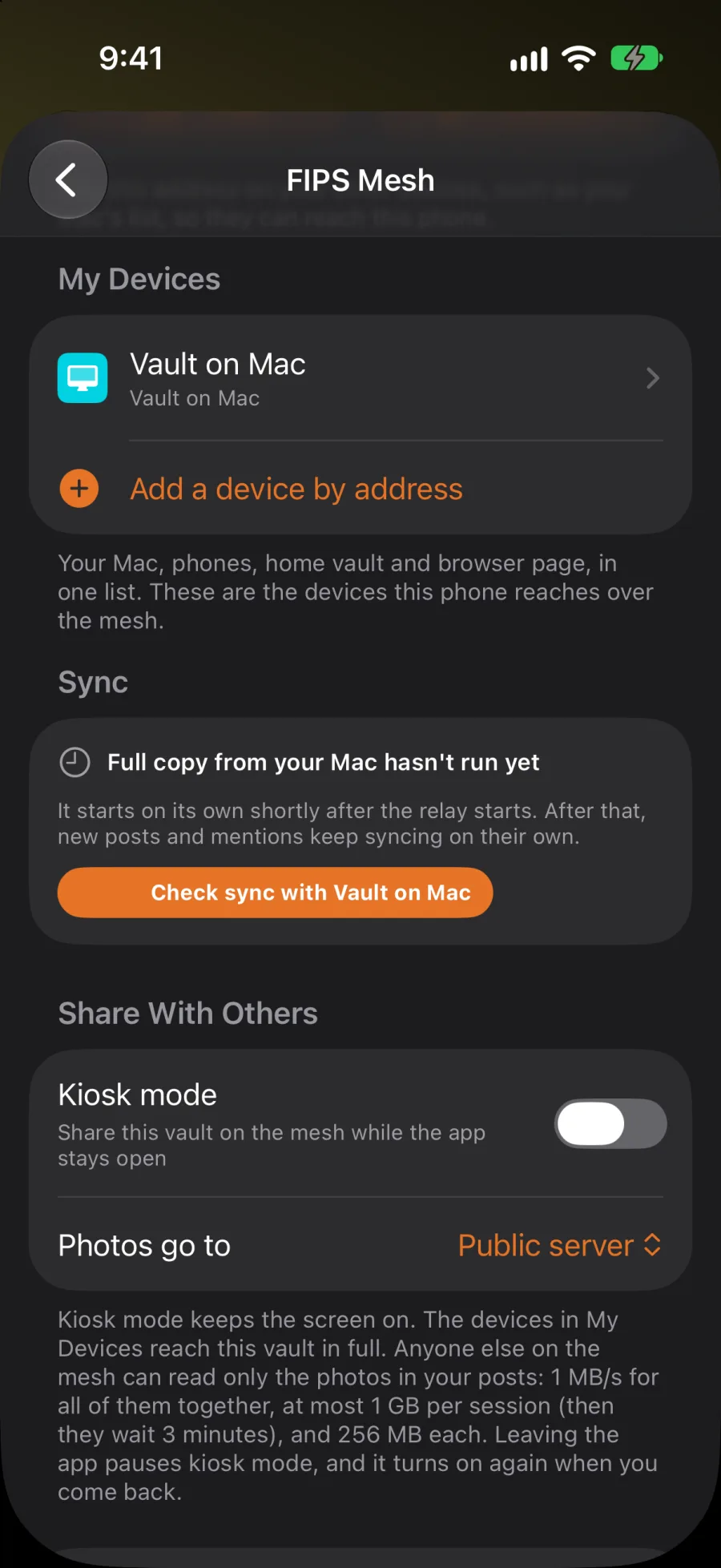
- Copying your full history from the Mac…: the first copy is still running. Leave the app open.
- Copy was interrupted: the app closed during the copy. It picks up again the next time the relay starts.
Send now, under Sync, sends anything that's waiting without waiting for the next post.
On iPhone, the same check is also under Settings → Sync with Vault on Mac.
Good to know
- Nothing goes through a server of ours. The phone and the Mac talk over the mesh, end to end encrypted.
- When the Mac is closed or out of reach, new posts still go to your public relays as usual. The Mac catches up when it's back.
- Posting a photo still needs a public media server. The Mac gets a copy as well.