An old phone on a charger at home can be your home vault: a small always-on copy of your vault that you own. Your main phone sends it your new posts and media over the mesh, and it passes your notes on to your relays.
1. Turn the spare phone into a kiosk
- Install Nostr Vault on the spare phone and sign in with the same account.
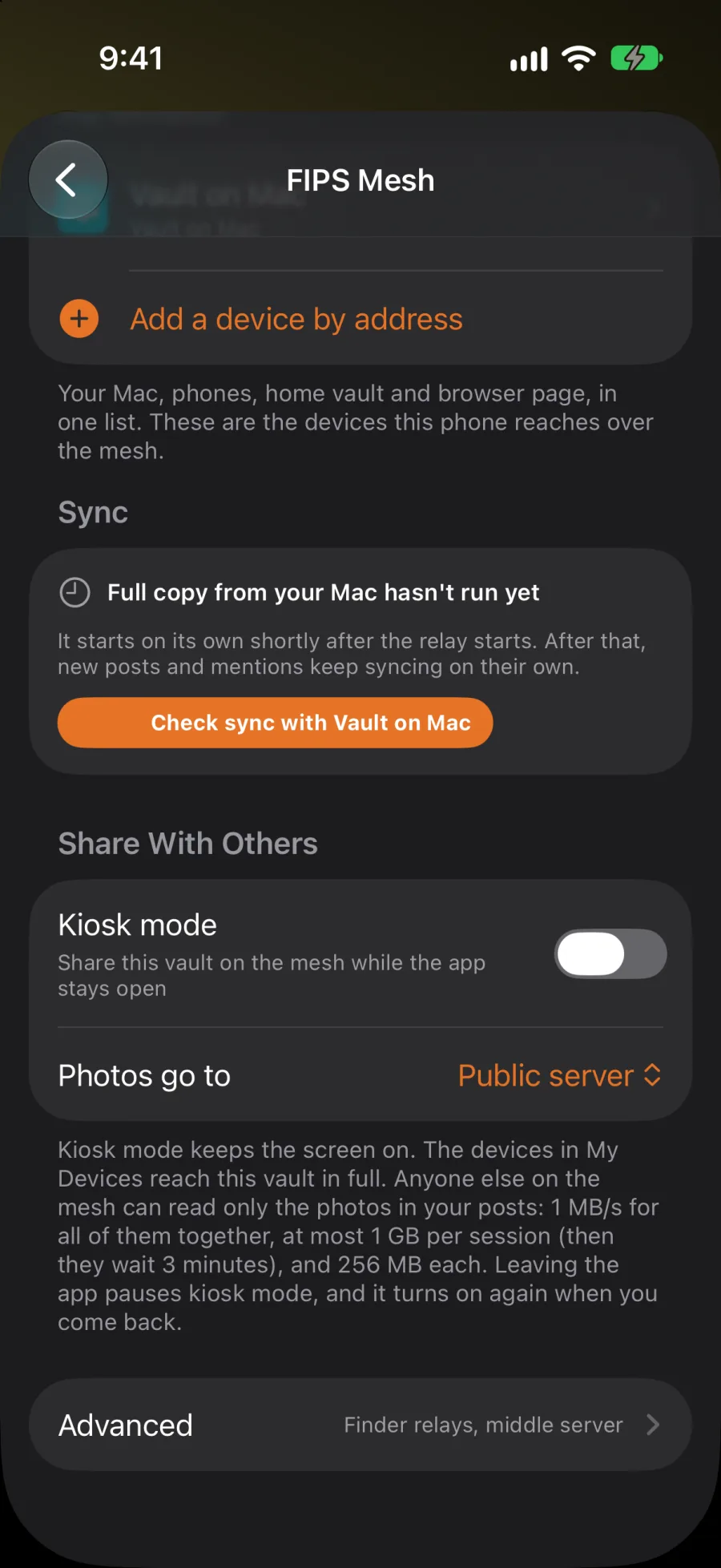
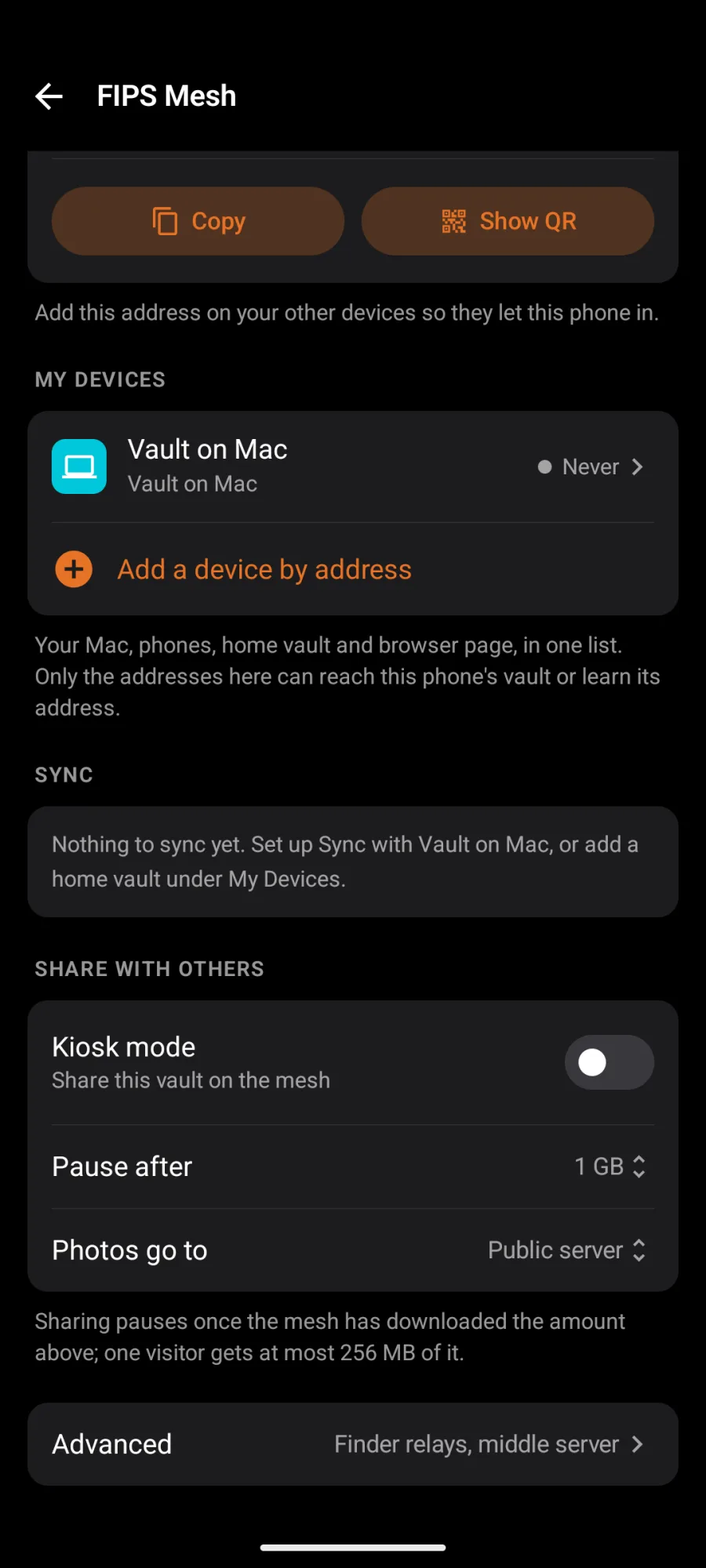
- Open Settings → Mesh → FIPS Mesh, switch on Mesh, and under Share With Others switch on Kiosk mode.
- Leave the app open on a charger. Kiosk mode keeps the screen on so the phone keeps serving.
- Leaving the app pauses kiosk mode. It turns on again when you come back, and after a restart if it was on.
- Your devices in My Devices reach the kiosk in full.
- Anyone else on the mesh can read only the photos in your posts, and slowly: 1 MB/s for all of them together, at most 256 MB each, and 1 GB per session before they wait. They can't read your notes or change anything.
- On Android, Pause after sets how much the mesh may download before sharing pauses.
2. Make it your home vault
- On the kiosk phone, under This Device, copy its mesh address (or show its QR code).
- On your main phone, open FIPS Mesh → Add a device by address, paste or scan it, and pick Home vault. On Android, a kiosk your account already lists shows under In Your Media Servers; tap it to use its address.
- Add the main phone to the kiosk's My Devices too.
From then on, your new notes and media also go to the kiosk phone over the mesh, and it sends your notes on to your relays. They stay on your main phone too. Anything that can't reach it waits on the main phone and goes when the app is open and the kiosk is in reach. Send now under Sync sends it straight away.
What's public. A home vault's mesh address is listed in your media server list, in public, so other apps can fetch your photos from it. Direct-message attachments are never sent there.
If your key is in a remote signer, media only goes to the home vault when you tap Send now.
Photos go to
Under Share With Others, Photos go to (Public server, My Mac or Both) is where you want the photos you post to go. For now, posting a photo still needs a public media server.